White background product photos, a whole set at once

One instruction for every photo

The product itself stays as it is.

Every photo gets the White + soft shadow scene, the same light and the same angle of shadow.

Standard is fast and suits most products.

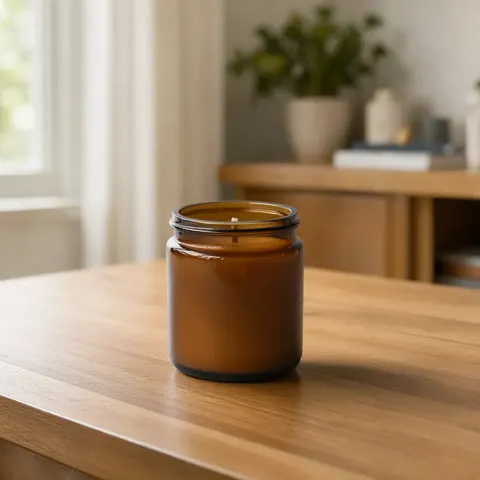
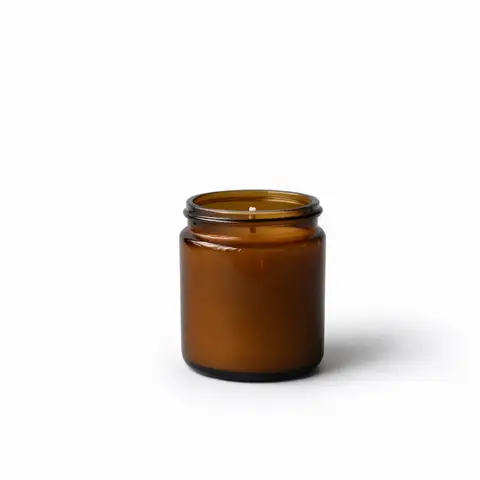
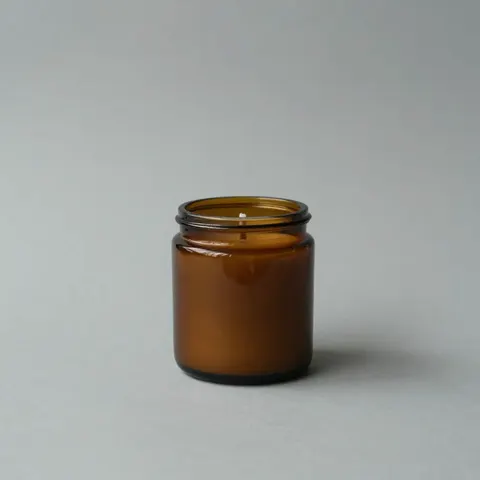
  1. Before: an amber glass jar candleAfter: an amber glass jar candle
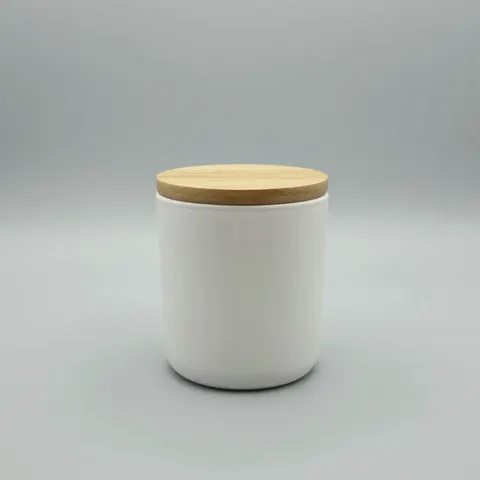
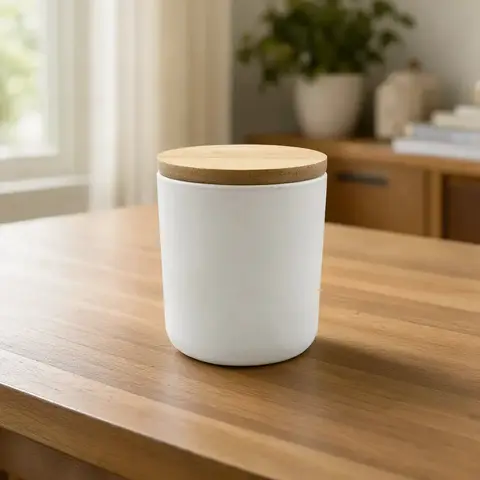
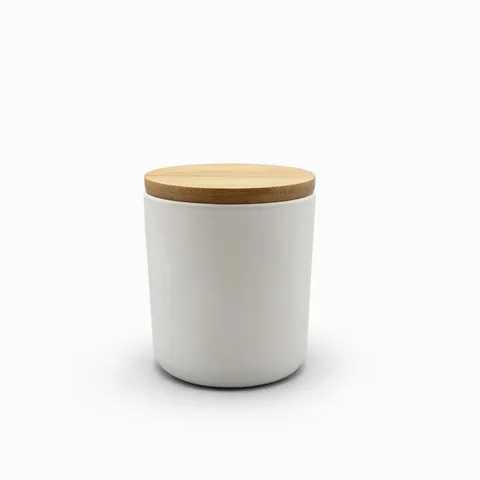
  2. Before: a white ceramic candle with a wooden lidAfter: a white ceramic candle with a wooden lid
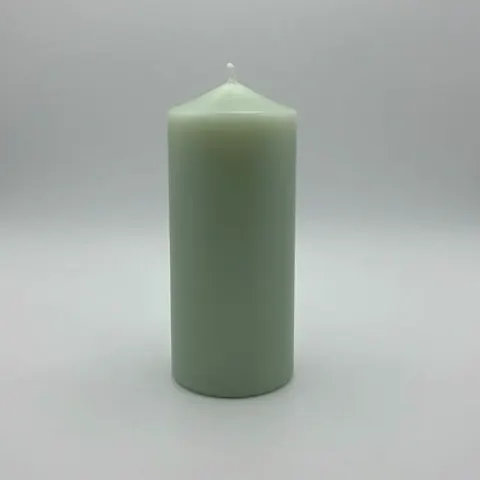
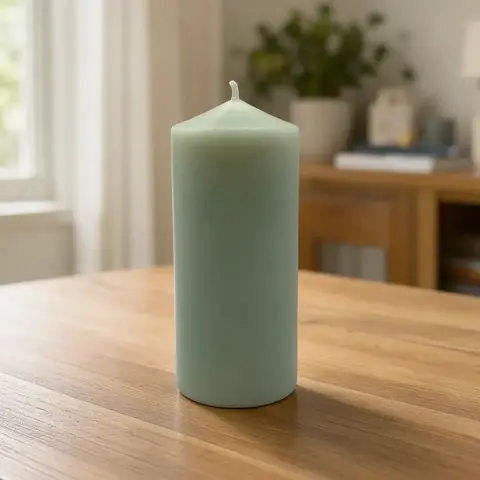
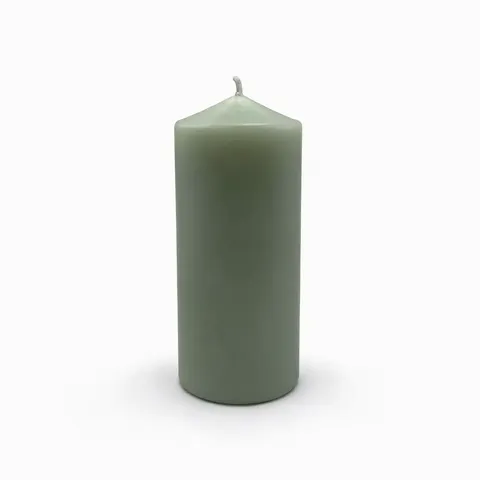
  3. Before: a tall sage green pillar candleAfter: a tall sage green pillar candle
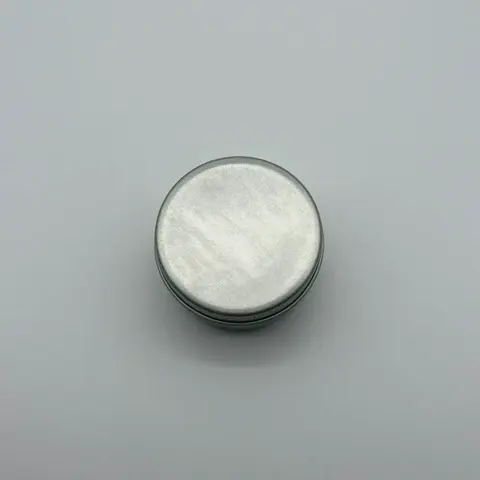
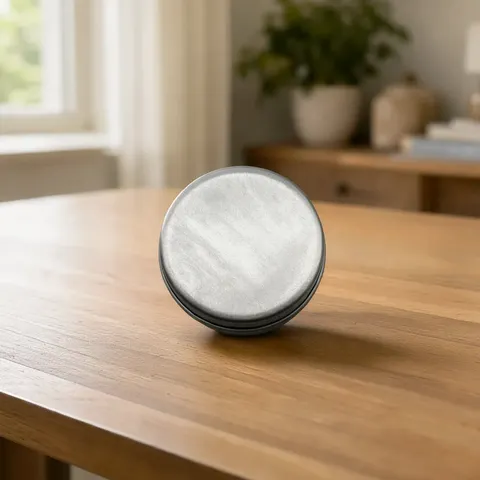
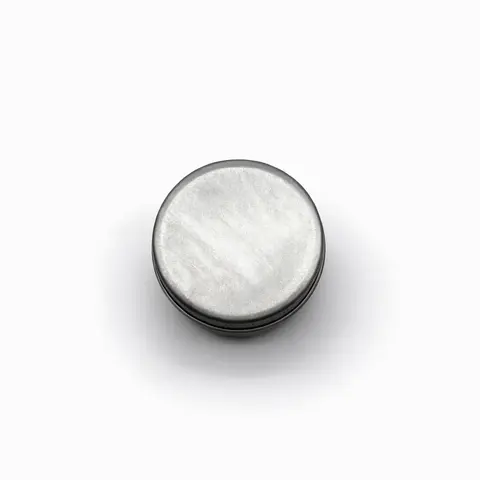
  4. Before: a small tin travel candleAfter: a small tin travel candle

Oak and window light · Standard

11 credits per photo

Add photos to see the total before anything runs.

Sign up for 22 free credits

Enough to preview 2 photos at 11 credits each. No card needed.

To get a white background product photo from an ordinary shot, upload it, choose the White + soft shadow recipe and preview the result. The product is placed on a seamless white backdrop with a soft contact shadow underneath, so it sits on the page instead of floating. Run the rest of the set the same way, then export with the Square 2000 px on white preset, which pads each photo onto white without cropping any part of the product.

Updated

How it works

  1. 1

    Upload the photos

    Any backdrop will do, as long as the whole product is in frame and in focus. Files can be JPG, PNG or WebP up to 10 MB.

  2. 2

    Pick White + soft shadow

    The recipe asks for a pure white seamless background and a natural contact shadow. Preview it and check the edges and any label text.

  3. 3

    Export as a white square

    Run the rest, then choose Square 2000 px on white. Each photo is padded onto white with a margin, in your browser and at no cost.

Good for

  • Main listing images where a plain white backdrop is expected
  • Cleaning up photos taken on a kitchen table or a desk
  • Making supplier shots and your own shots match on one store
  • Catalogue pages and line sheets that need identical backgrounds
  1. Before: an amber glass jar candleAfter: an amber glass jar candle
  2. Before: a white ceramic candle with a wooden lidAfter: a white ceramic candle with a wooden lid
  3. Before: a tall sage green pillar candleAfter: a tall sage green pillar candle
  4. Before: a small tin travel candleAfter: a small tin travel candle
White + soft shadow · Standard
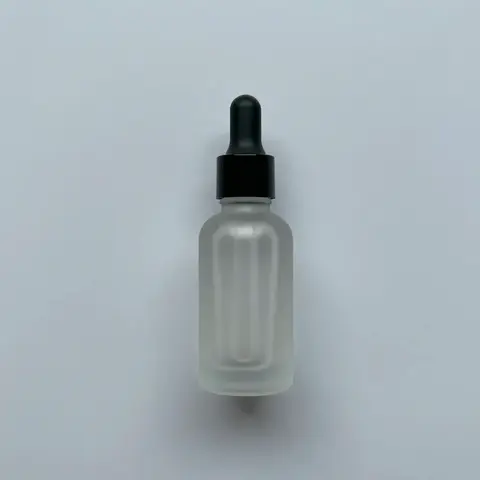
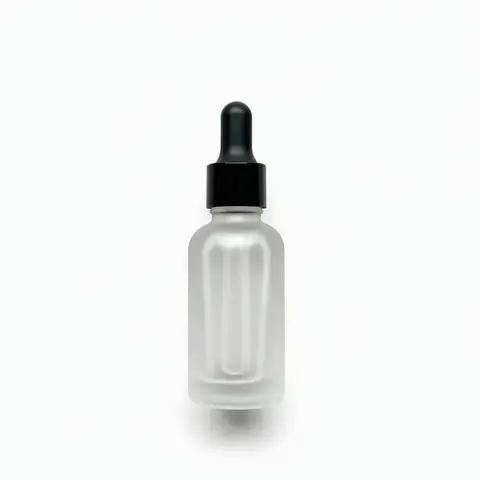
  1. Before: a frosted glass serum bottle with a dropperAfter: a frosted glass serum bottle with a dropper
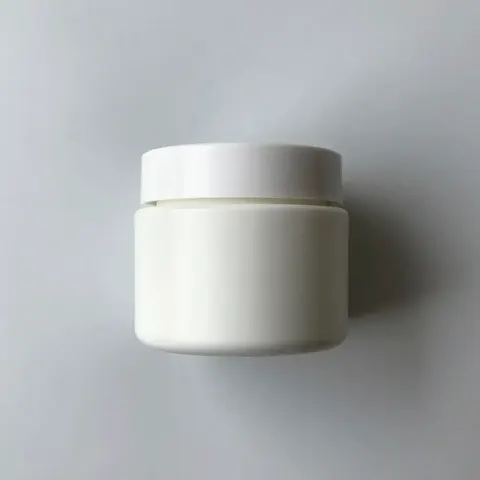
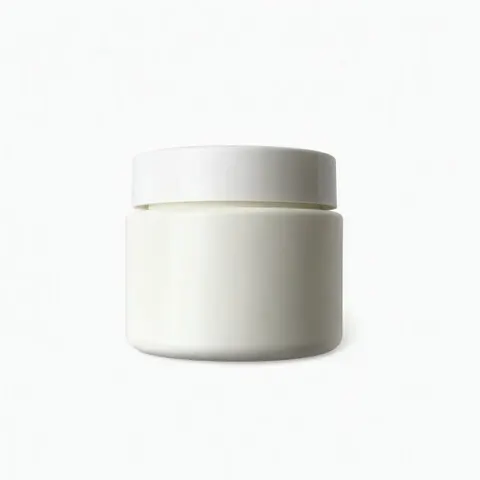
  2. Before: a white cream jarAfter: a white cream jar
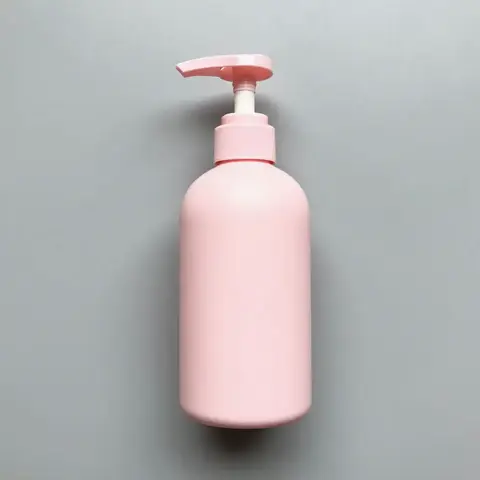
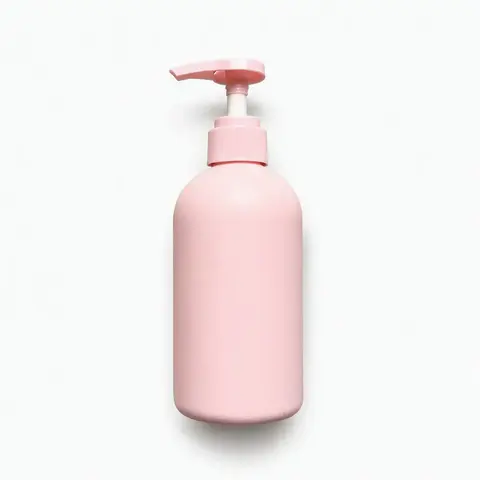
  3. Before: a pale pink pump bottleAfter: a pale pink pump bottle
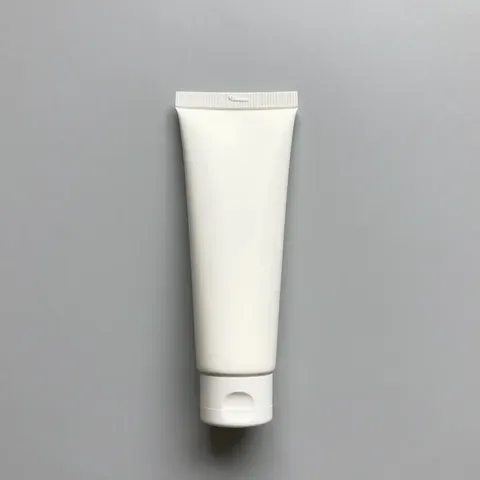
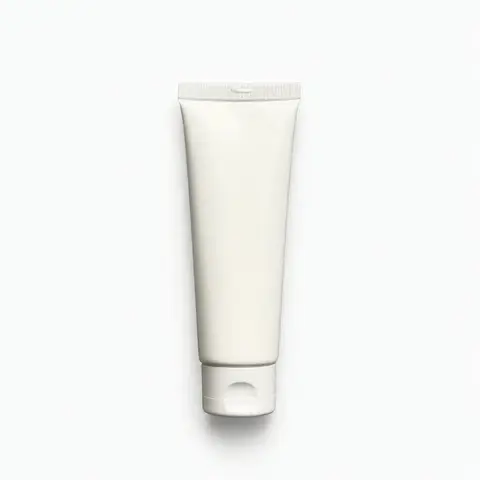
  4. Before: a slim tube of hand creamAfter: a slim tube of hand cream
White + soft shadow · Label-safe

01

Why a shadow still matters on white

A product cut out and dropped onto flat white tends to look pasted on, because nothing tells the eye where it touches the ground. A soft contact shadow directly under the item fixes that while keeping the background white. The recipe asks for exactly that, and because the same wording goes to every photo, the shadow is similar in softness and direction across the set. If your marketplace asks for no shadow at all, write your own instruction asking for a plain white background with no shadow.

02

Product photo white background versus a background remover

A background remover cuts the product out and leaves transparency, which you then have to fill, shadow and size yourself. Here the result is already a finished photo on white with light that matches it, and the export step frames it as a square. The trade-off is that an AI edit redraws the picture, so very fine details can shift; the preview is where you confirm they did not.

03

Getting clean whites and true colours

Pale products are the hardest on white, because a cream mug can blend into the backdrop. Shoot them with a little more contrast, keep the light neutral, and check the preview against the real item. Dark and glossy products show the shadow and reflections more, so look at the base and edges. Check your marketplace’s current image rules for what counts as white and whether a shadow is allowed.

Credits per photo

You see the credit total for the set before anything runs. Plans and credit packs

EngineGood forCredits per photo
Standard 1KMost products: fast, and the cheapest per photo11
Standard 2KMost products: fast, and the cheapest per photo16
Label-safe 1K / 2KPackaging with small print, labels and logos49
4K upscaleAny finished photo, for zoom and print25
Marketplace exportsSquare, portrait and banner files, made in your browserFree

Questions

Is the background pure white?

The recipe asks for a pure white seamless background, and the square export pads with white. Check the preview, since light falling off near the shadow can look very slightly grey.

Can I get white background product photos without a shadow?

Yes. Choose Write my own and ask for a plain white background with no shadow. Preview it first, because products without a shadow can look like they float.

Does the square export crop my product?

No. Square 2000 px on white pads the photo onto white with a margin, so nothing is cut off. The portrait and banner presets are the ones that crop.

Will this meet my marketplace’s main image rules?

It gives you a white background and a large square, which is what many main images ask for, but rules differ and change. Check your marketplace’s current image rules before uploading.

Is this tool connected to Amazon, Etsy or another marketplace?

No. Img Editing is independent. It is not affiliated with or endorsed by any marketplace, nor with the makers of the models it runs.