
AI image editing for your whole catalogue
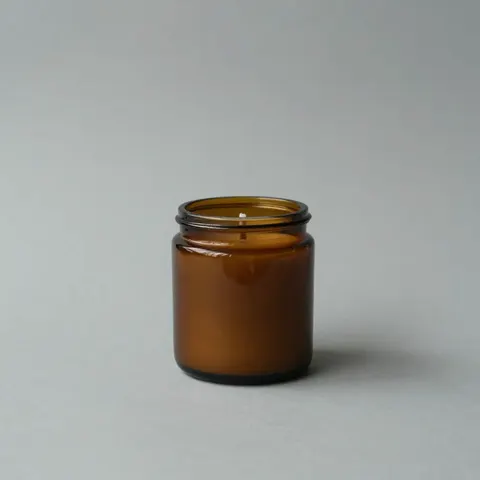
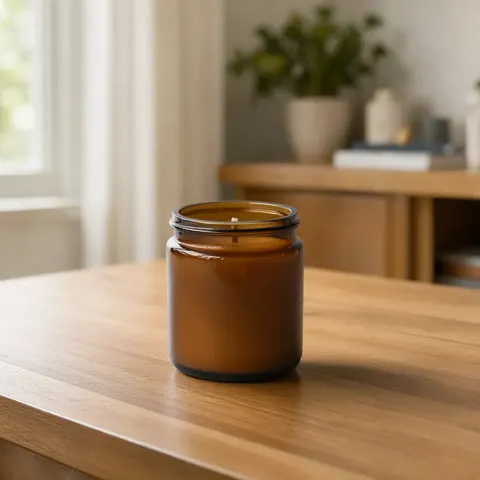
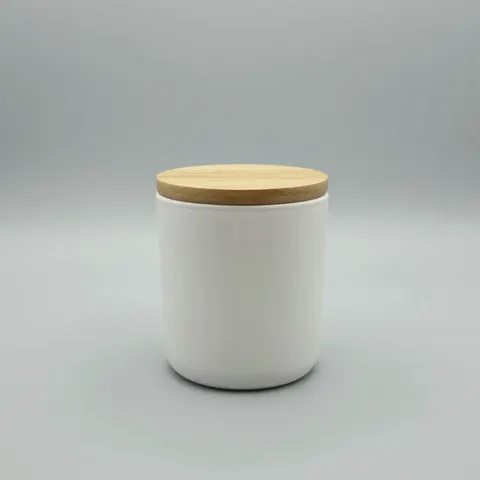

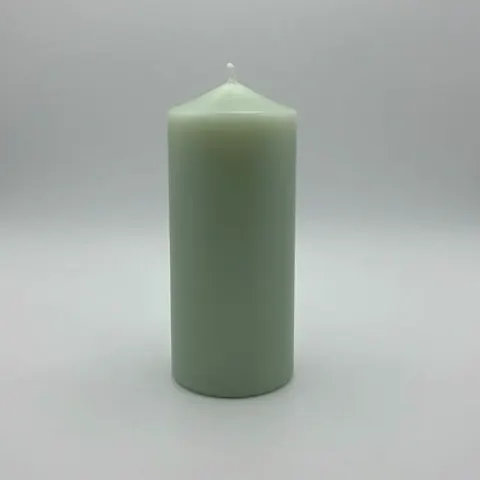
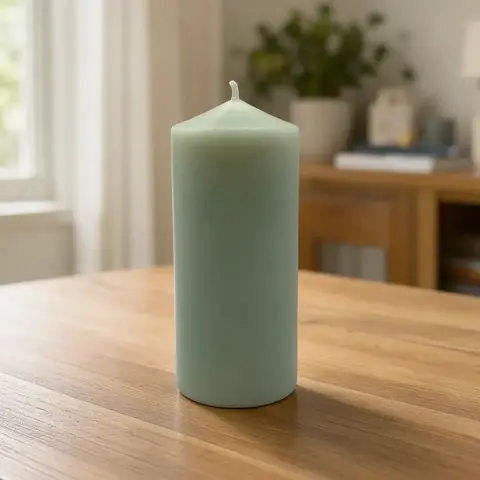
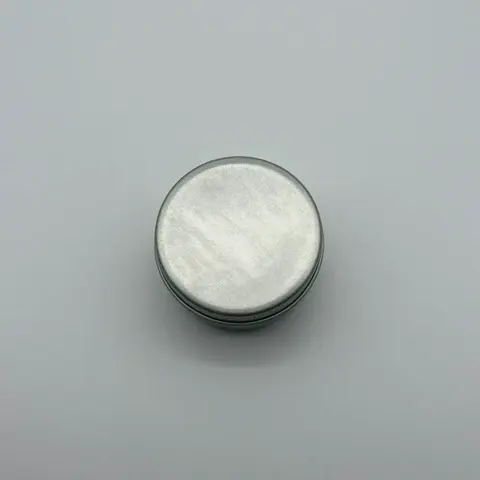
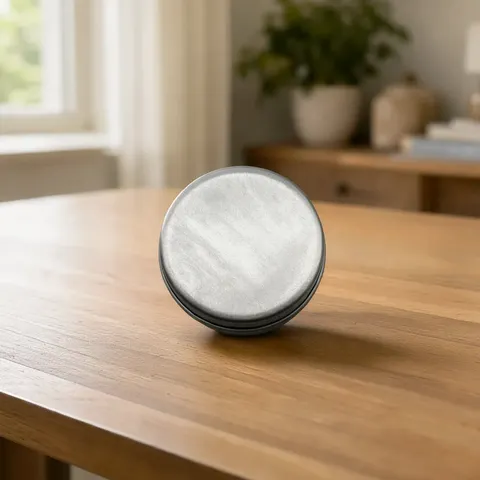
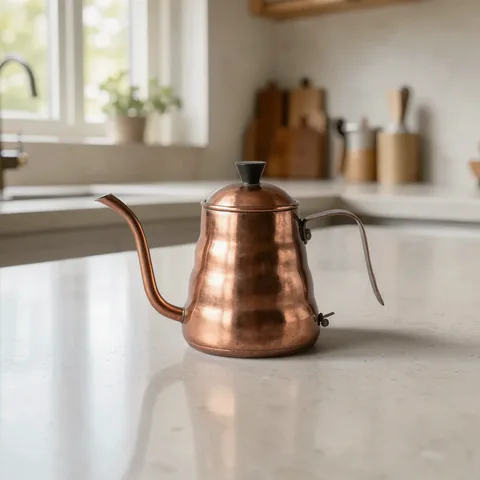
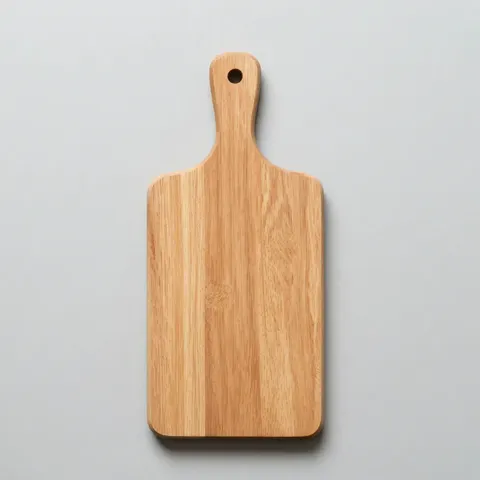
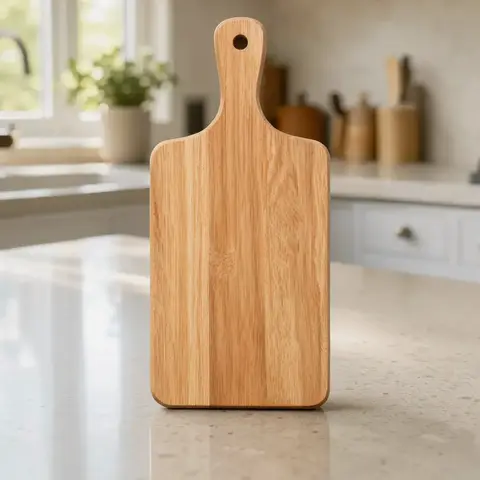
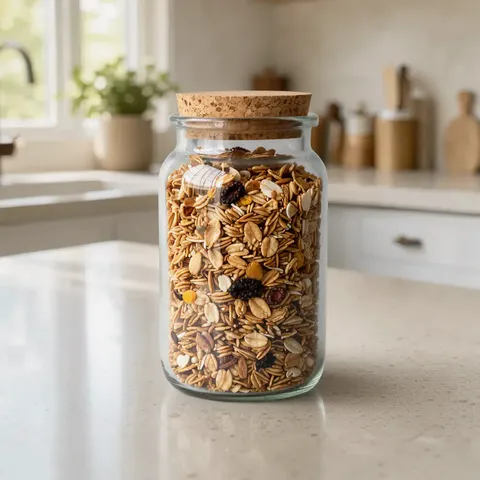
Oak and window light · Standard
11 credits per photo
Add photos to see the total before anything runs.
Enough to preview 2 photos at 11 credits each. No card needed.
One instruction. Every product photo. Marketplace sizes out. Upload a set, preview two photos, run the rest, and every product comes back in the same scene with its label and shape kept.
Real runs
One instruction, run over a whole set
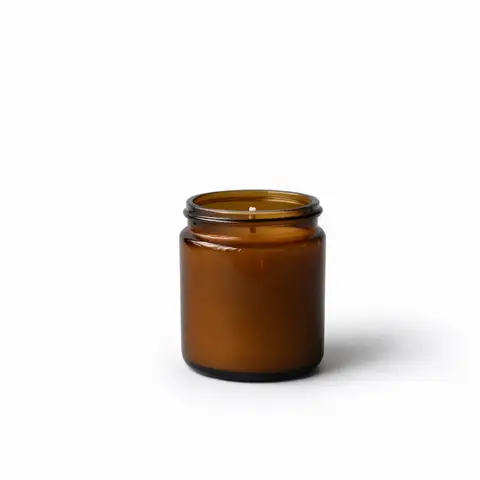
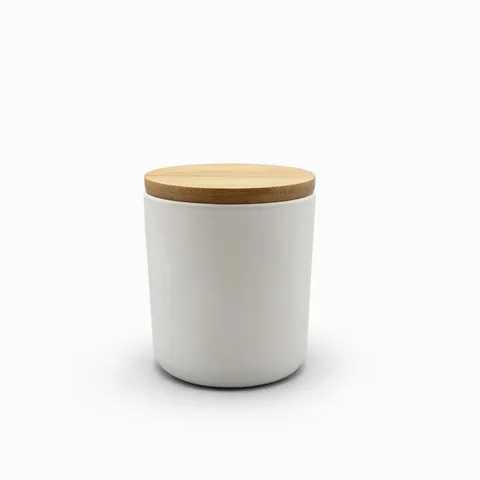
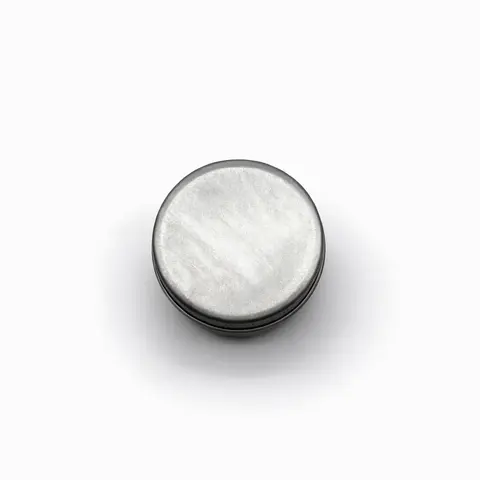
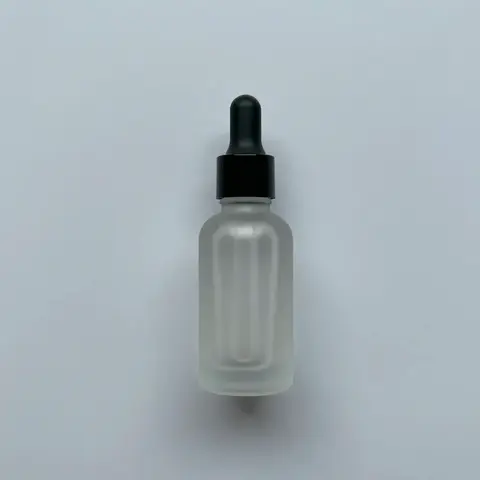
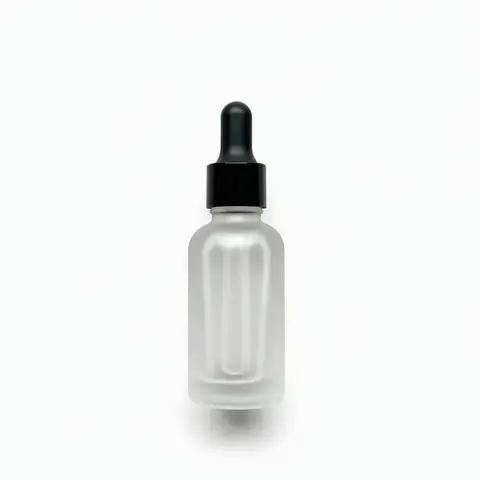
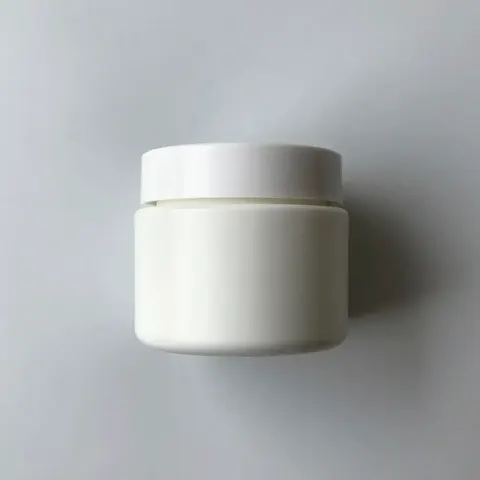
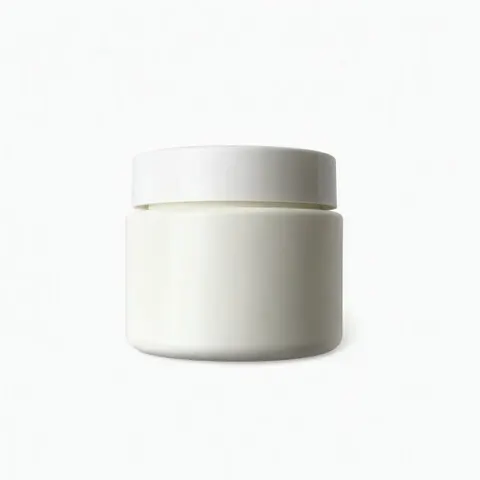
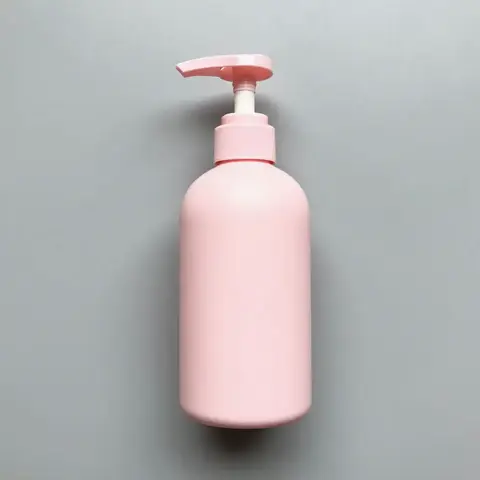
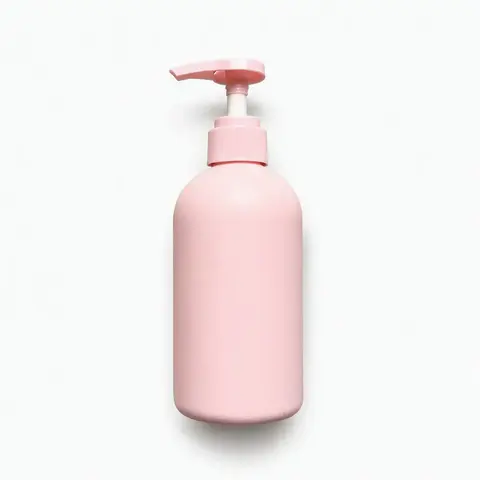
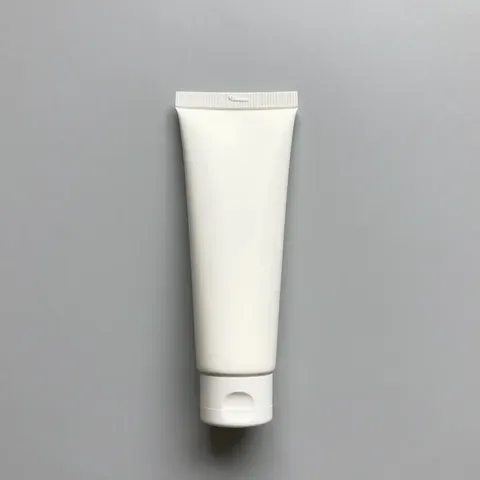
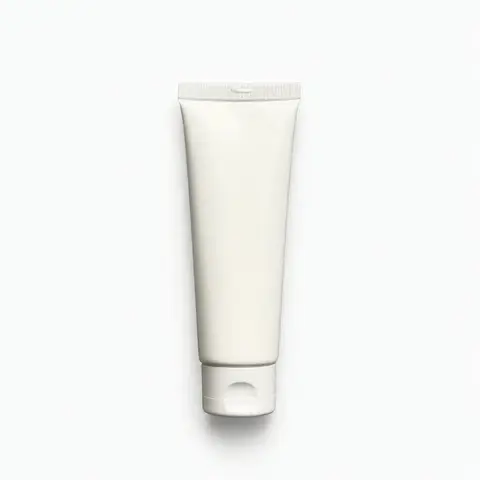
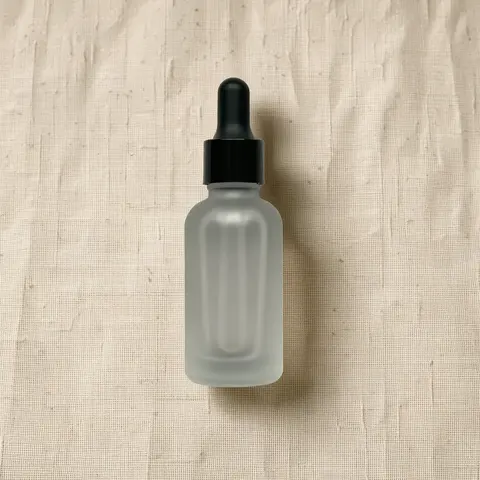
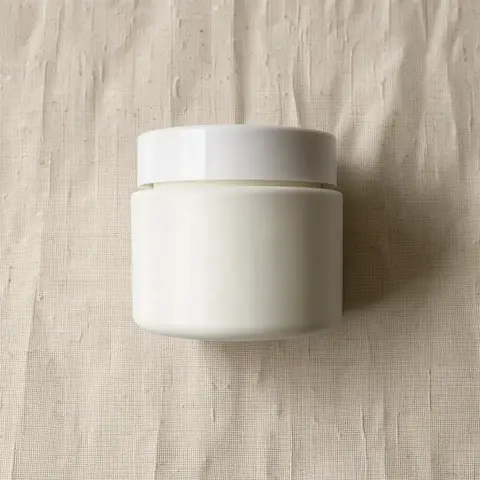
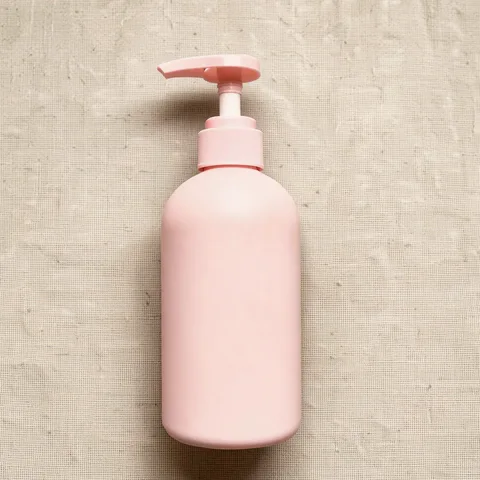
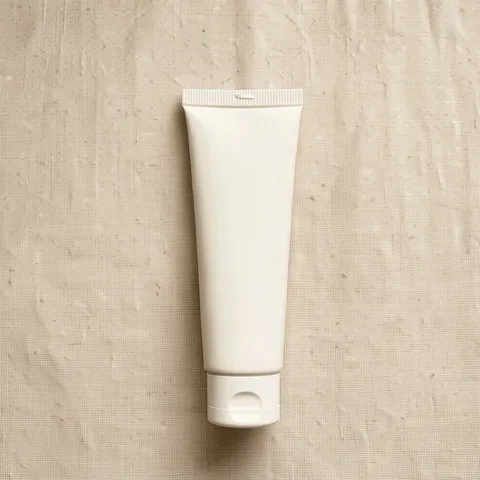
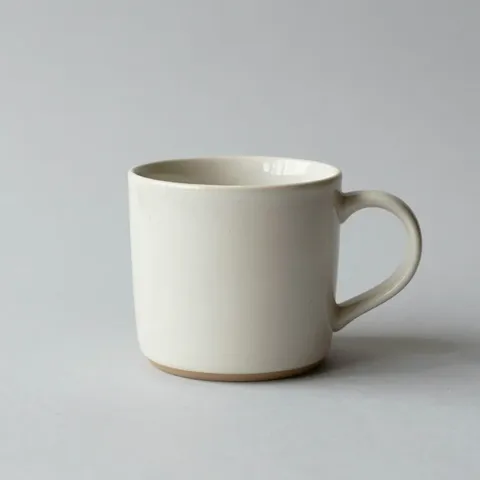
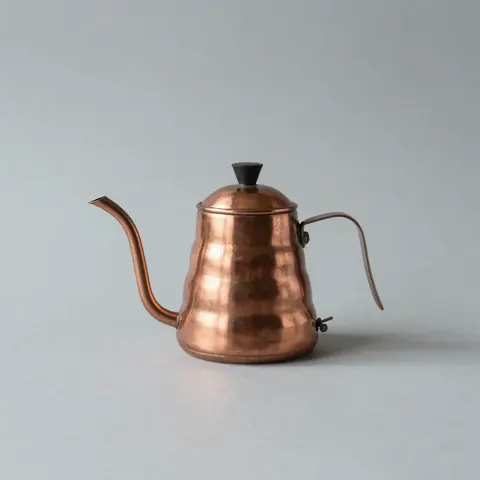
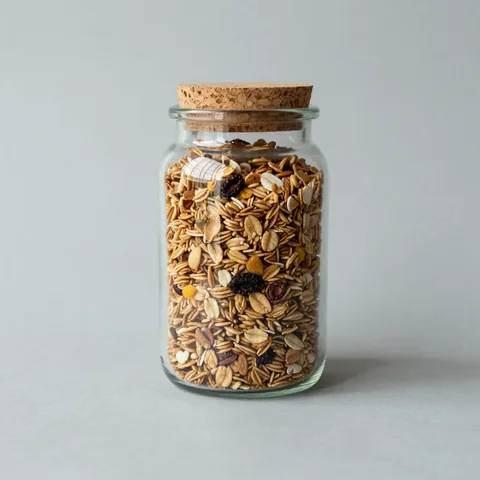
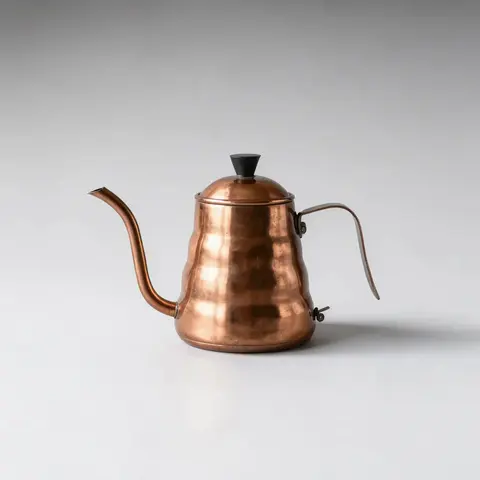
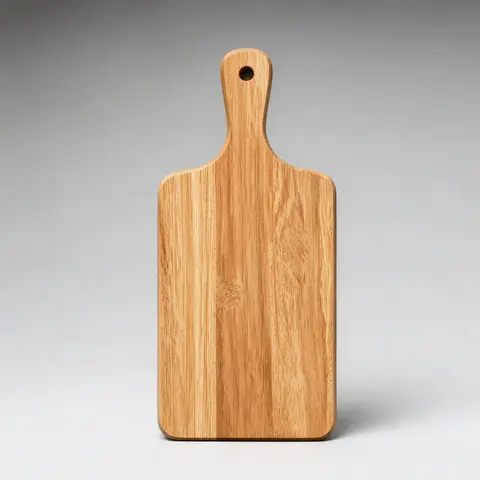
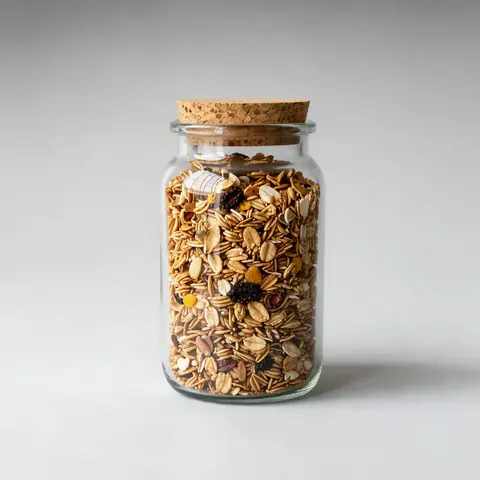
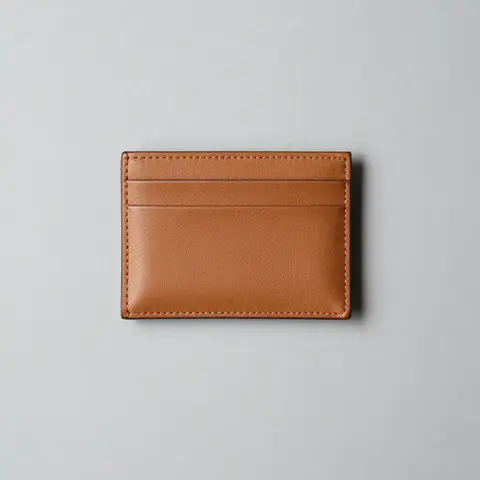
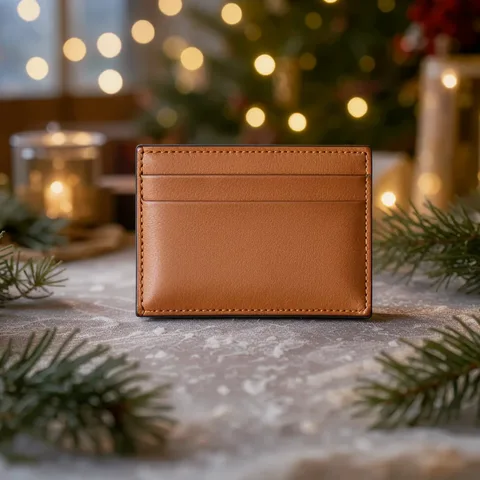
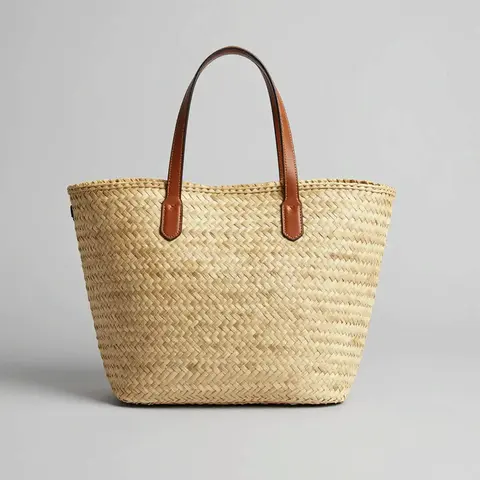
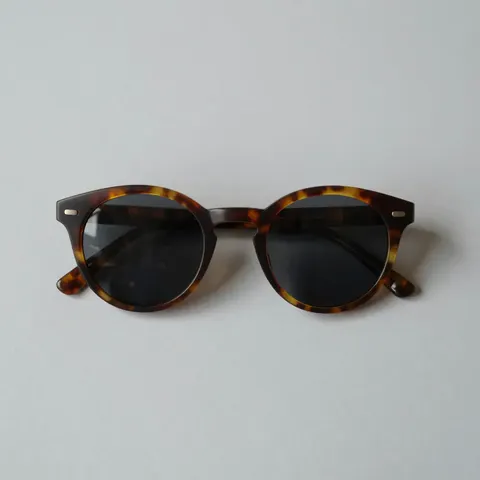
Unretouched results from plain photos of fictional products. Each row is one run: the same recipe on every photo, so the set matches.







Who it is for
Built for catalogues, not single photos
Most AI image editors work on one picture at a time. A shop with forty listings needs the same backdrop, light and crop on all of them, and needs it this afternoon.
- 01
A candle shop going lifestyle
Sixty plain jar shots become sixty photos on the same oak table in the same window light, ready for the shop and its ads.
- 02
One backdrop for a whole range
Clothing and accessories shot on different days get one studio backdrop, so the category page stops looking like a patchwork.
- 03
White main images that pass review
Put every product on clean white with a soft shadow, then export square 2000 px files padded the same way.
- 04
Banners from hero products
Run a seasonal scene over your best sellers and crop them to 16:9 for the shop header, newsletter and home page slots.
How it works
How to edit a catalogue of product photos with AI
Three steps. A set of fifty photos takes about ten minutes on a paid plan.
- 01
Add the photos and one instruction
Drop a set of product photos and pick a recipe such as white with a soft shadow, or write your own scene in a sentence.
- 02
Preview two, then run the set
The first two photos run on their own so you can check the look before spending credits on the rest. Then run all, and photos finish side by side.
- 03
Export marketplace sizes
Download each photo or one ZIP: original PNG, square 2000 px on white, 4:5 portrait or a 16:9 banner. The resizing runs in your browser and costs nothing.
Prefer to work from a chat? Edit sets from Claude or ChatGPT with the MCP server
Engines and credits
What each photo costs
A fixed price per photo, shown before anything runs. Standard runs Flux 3 Klein; Label-safe runs Qwen-Image 2.1.
| Engine | Good for | Credits per photo |
|---|---|---|
| Standard 1K | Most products: fast, and the cheapest per photo | 11 |
| Standard 2K | Most products: fast, and the cheapest per photo | 16 |
| Label-safe 1K / 2K | Packaging with small print, labels and logos | 49 |
| 4K upscale | Any finished photo, for zoom and print | 25 |
| Marketplace exports | Square, portrait and banner files, made in your browser | Free |
Credits are only kept for photos that finish. A failed or refused photo is refunded on its own, and the rest of the set carries on.
Exports
Marketplace sizes without another tool
Every finished photo can be saved at a listing size. The crop or padding is the same for the whole set, so a category page lines up.
Square 2000 × 2000 on white, product padded with an even margin: the usual main-image format.
Portrait 1600 × 2000 (4:5), cropped from the centre: for fashion listings and social shops.
Banner 1920 × 1080 (16:9), cropped to fill: for shop headers, newsletters and home page slots.
Original PNG at the size the engine returned, or a 4K upscale of it.
Pricing
Plans sized by how many photos you edit
A monthly or yearly plan for regular catalogue work, team seats with one shared pool, or a one-time pack. New accounts get 22 free credits once.
Shopfront
For a shop refreshing a few dozen listings a month
$9.13/month
$109.50 billed once a year
or $10.95 billed monthly
- 2,760 credits a month
- About 250 Standard 1K photos
- 2,760 credits land every month, 33,120 in the year
- Four photos at a time
- Marketplace export presets and ZIP downloads
Stockroom
For sellers editing a full catalogue every month
$21.63/month
$259.50 billed once a year
or $25.95 billed monthly
- 6,830 credits a month
- About 620 Standard 1K photos
- 6,830 credits land every month, 81,960 in the year
- Eight photos at a time
- Marketplace export presets and ZIP downloads
- API keys and MCP from scripts
Warehouse
For brands with hundreds of products and seasonal reshoots
$49.96/month
$599.50 billed once a year
or $59.95 billed monthly
- 16,650 credits a month
- About 1,513 Standard 1K photos
- 16,650 credits land every month, 199,800 in the year
- Eight photos at a time
- Marketplace export presets and ZIP downloads
- API keys and MCP from scripts
Team plans
Billed by the seat, from 3 seats. Every seat tops up one credit pool the whole shop draws on, and colleagues accept an invite link to join.
Seller Team
A shared pool for a small shop team
$229.50per seat a year
or $22.95 per seat billed monthly
3 seats: $688.50 in total
- 18,360 shared credits monthly, 6,120 per seat
- One shared credit pool for the team
- Eight photos at a time
- Marketplace export presets and ZIP downloads
- API keys and MCP from scripts
Brand Studio
A larger shared pool for brand and agency teams
$529.50per seat a year
or $52.95 per seat billed monthly
3 seats: $1,588.50 in total
- 44,130 shared credits monthly, 14,710 per seat
- One shared credit pool for the team
- Eight photos at a time
- Marketplace export presets and ZIP downloads
- API keys and MCP from scripts
Credit packs
One-time purchases that never renew and never expire, for a seasonal refresh or a new range.
Listing Pack · $6.50
1,350 credits that never expire, about 122 Standard 1K photos.
Catalogue Pack · $16
3,380 credits that never expire, about 307 Standard 1K photos.
Season Drop · $39
8,570 credits that never expire, about 779 Standard 1K photos.
Try it free: confirm your email and 22 credits are added once, no card needed. That pays for a two-photo preview at Standard 1K, one grant per mailbox. They never expire.
Refund window: 7 days for monthly plans, 21 for yearly, 14 for packs, if 10% of the credits or less are spent. The unspent part comes back to you.
Questions about AI image editing for catalogues
What is Img Editing?
Img Editing is an AI image editing tool for online sellers. You upload a set of product photos, give one instruction or pick a recipe, and every photo is edited the same way, then exported at marketplace sizes. It is independent and not affiliated with any marketplace or model maker.
Is it free to try?
New accounts get 22 credits once, added when the email address is confirmed. That covers the two-photo preview at Standard 1K. There is no daily or monthly free allowance; after that you use a plan or a pack.
Does the AI change my product?
It is told not to. Every instruction is sent inside a fixed wrapper that asks the model to keep the product's shape, colours, materials, label text and logos, and change only the scene. Models can still slip on fine detail, which is why the first two photos run as a preview, and why packaging with small print has the Label-safe engine.
Which AI models edit the photos?
Standard runs Flux 3 Klein by Black Forest Labs. Label-safe runs Qwen-Image 2.1 by Alibaba. The 4K upscale uses an image upscaler run by our model host. The engine you pick is the model that runs.
How many photos can one run hold?
Up to 60 photos per run. Your plan sets how many edit at the same time; the rest wait their turn and start as each one finishes, so you can leave the page while a set runs.
What sizes can I export?
Four: the original PNG, square 2000 px on white, 4:5 portrait at 1600 × 2000 and a 16:9 banner at 1920 × 1080. Save one photo or a ZIP of the whole run; exports are made in your browser and cost no credits.
What photos can I upload?
JPG, PNG or WebP, up to 10 MB each and at least 256 pixels on each side, of products you sell or have the right to use. Plain, well-lit shots on a simple background give the cleanest results. Every upload goes through an automated safety check first.
Who can see my photos?
Only you. On a team plan the owner sees usage, not your photos. There is no public gallery, and uploads and results are deleted 30 days after the edit.
What happens if a photo fails?
Each photo is its own job. If one errors, times out or is refused by the safety check, its credits go back to your balance and the other photos in the set carry on. You can retry it with one click.
Can I use the edited photos in my listings and ads?
Yes, on any plan, as long as you hold the rights to the photos you uploaded and the result still shows the real product. Listings must not show a colour, size or feature the item does not have.
More answers, from billing to deleting your data, are on the help page
Updated
Have a set of product photos to refresh?
Drop them in, pick one scene, and take every marketplace size out.